Setting up Spot Margin on OKX in Singapore


Here's how to set up your Spot Margin trade on OKX in Singapore.
Step 1: Navigate to Margin Trading
Open the OKX app.
Tap Trade, or the GRID buton at the top left, and then select Margin.
Step 2: To Enable Margin Mode ensure the ‘Margin’ switch is turned on.
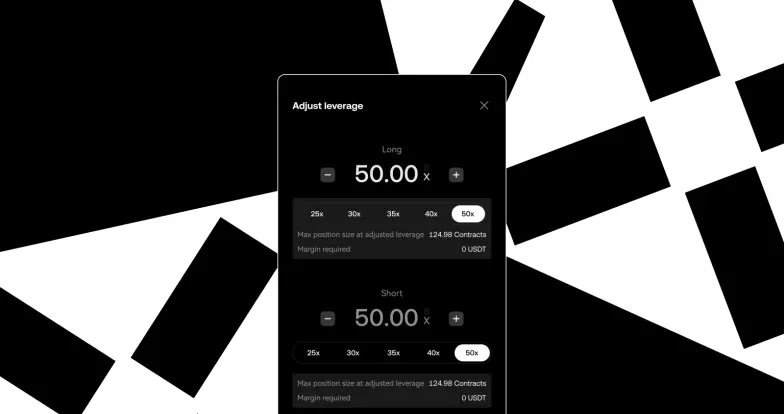
Step 3: Pick your desired margin-eligible trading pair (e.g., BTC/USDT), and adjust Borrowing Ratio
Step 4: Confirm Margin Order
Step 5: Tap the [confirm] button to execute the trade. You will see your opened trade under the Position & assets tab.
When you’re ready to close your position:
Sell the asset (if long), or buy it back (if short).
The borrowed amount + interest will be repaid from your margin balance.
Any remaining profit is yours.
Spot Margin trading is currently available only to Accredited Investors in Singapore. Verify as an Accredited Investor now, and gain access to Spot Margin
© OKX, 2025. Цю статтю можна відтворювати або поширювати повністю чи в цитатах обсягом до 100 слів за умови некомерційного використання. Під час відтворення або поширення всієї статті потрібно чітко вказати: «Ця стаття використовується з дозволу власника авторських прав © OKX, 2025». Цитати мають наводитися з посиланням на назву й авторство статті, наприклад: «Назва статті, [ім’я та прізвище автора, якщо є], © OKX, 2025». Деякий вміст може бути згенеровано інструментами штучного інтелекту (ШІ) або з їх допомогою. Використання статті в похідних і інших матеріалах заборонено.